
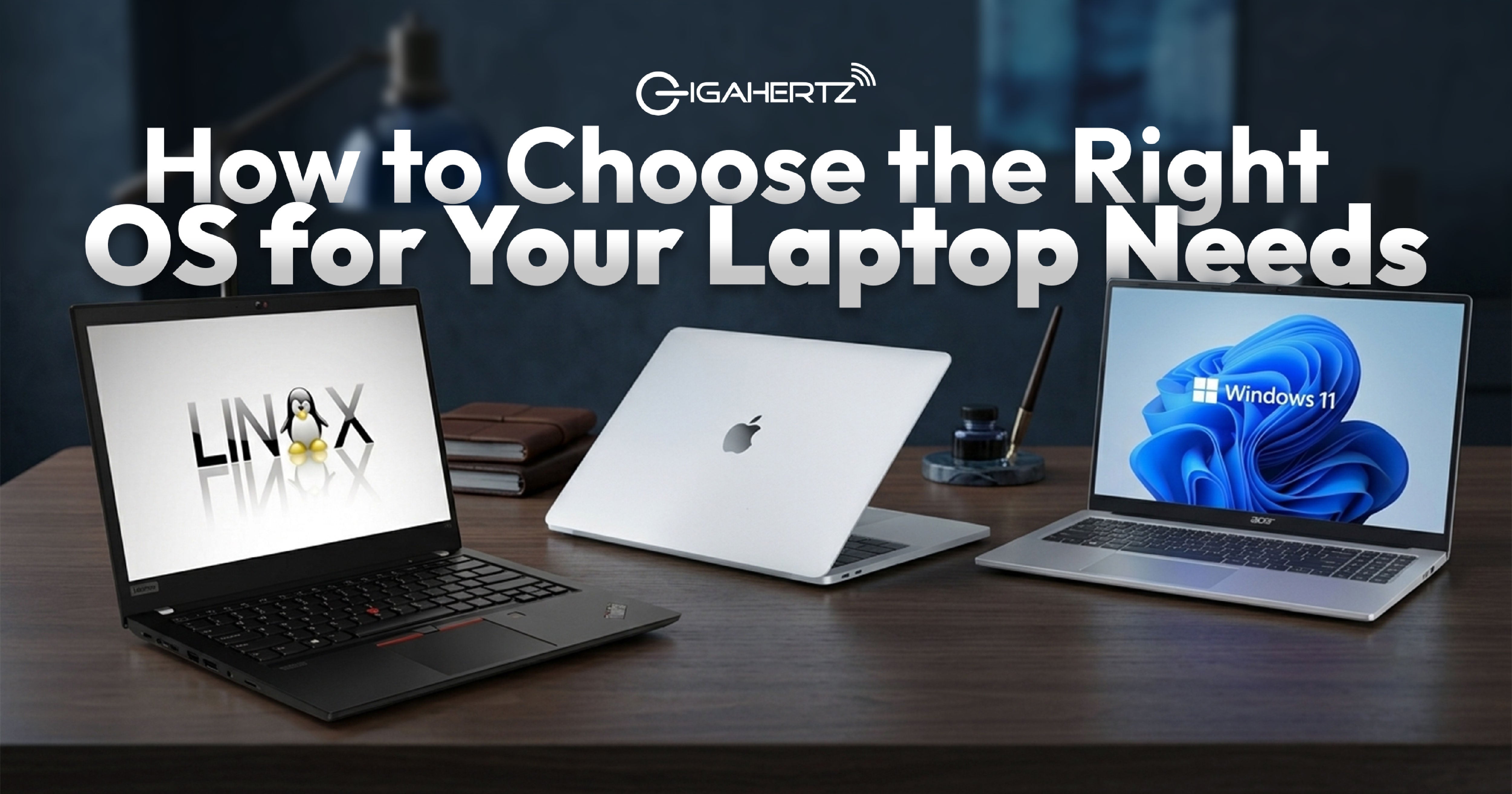
Buying a new laptop involves more than choosing the right processor, RAM, or storage. One of the most important decisions you'll make is choosing the operating system. It affects how you use your laptop every day, the software you can install, and how productive you can be at work or school.
If you've ever wondered whether Windows, macOS, ChromeOS, or Linux is the best choice, you're not alone. Each operating system has its own strengths, and the right one depends on how you plan to use your laptop.
In this guide, we'll explain what an operating system does, compare the most popular options, and help you choose the one that matches your needs.
What Is an Operating System? An operating system, or OS, is the software that runs your laptop. It manages your hardware, launches applications, stores files, and lets you interact with your device through menus, windows, and settings.
Without an operating system, your laptop wouldn't know how to use its processor, memory, keyboard, display, or storage. Every time you open a web browser, save a document, connect to Wi-Fi, or play a game, your operating system is working behind the scenes to make everything run smoothly.
Because you'll use your operating system every day, choosing the right one is just as important as choosing the right laptop.
Windows: The Best Choice for Most People Windows is the world's most widely used operating system, and for good reason. It works with thousands of applications, supports almost every type of hardware, and is available on laptops from brands such as ASUS, Acer, Lenovo, and HP.
If you're a student, office worker, gamer, engineer, architect, programmer, or content creator, Windows gives you the flexibility to install the software you need. Programs like Microsoft Office, Adobe Creative Cloud, AutoCAD, SketchUp, and most PC games are designed with Windows support in mind.
Windows is also a great choice because it comes in laptops across different price ranges. Whether you're buying an affordable laptop for school or a high-performance gaming laptop, you'll find plenty of Windows options.
With Windows 11, Microsoft has also introduced a cleaner interface, stronger security features, better multitasking tools, and AI-powered features like Microsoft Copilot, making it even more useful for everyday productivity that helps with battery life.
macOS: Built for the Apple Ecosystem macOS is Apple's operating system for MacBooks and desktop Macs. It's known for its clean interface, smooth performance, and strong integration with other Apple devices.
If you already own an iPhone, iPad, or Apple Watch, you'll enjoy features that let your devices work together. You can answer messages, copy files between devices, and continue tasks without interruption.
Many creative professionals also choose macOS because of applications like Final Cut Pro and Logic Pro for video editing. However, some specialized engineering software and many PC games aren't available on macOS, so it's important to check whether your favorite programs are supported before making a purchase.
ChromeOS: Simple and Affordable ChromeOS is Google's operating system for Chromebooks. It's designed for users who spend most of their time online using web browsers and cloud-based applications.
Because ChromeOS doesn't require powerful hardware, Chromebooks are usually more affordable than traditional laptops. They're a popular choice for students who mainly use Google Docs, Google Classroom, Microsoft 365 Online, email, and web browsing.
However, ChromeOS has limitations. Many professional applications and high-end games aren't available, making it less suitable for creators, engineers, and gamers who rely on specialized software.
Linux: For Advanced Users Linux is an open-source operating system that offers flexibility and customization. Many programmers, developers, and cybersecurity professionals choose Linux because it offers complete control over their systems.
Linux is stable, secure, and often performs well even on older hardware. However, it has a steeper learning curve than Windows or macOS. Some commercial software isn't available for Linux, and new users may need time to learn how to install programs or troubleshoot issues.
If you're looking for a laptop for school, work, or entertainment, Windows is usually the easier choice.
Think About How You'll Use Your Laptop The best operating system depends on what you do every day. Before buying a laptop, think about the programs you use, the type of work you do, and how long you expect your laptop to last.
Students often benefit from Windows because it supports the educational software used in many schools and universities. Professionals usually choose Windows for Microsoft Office, business applications, and compatibility with workplace systems.
Content creators should consider the editing software they prefer. Both Windows and macOS support professional creative work, but certain applications are exclusive to one platform.
Gamers will generally have the best experience on Windows because most PC games and gaming accessories are designed for Microsoft's operating system.
If your daily activities mostly involve web browsing, email, and online documents, ChromeOS may provide everything you need at a lower price.
Don't Forget About Software Compatibility One of the biggest mistakes people make is buying a laptop before checking whether their favorite programs are supported.
For example, some engineering, architecture, accounting, and business applications only run on Windows. Many modern games also require Windows to work properly. Meanwhile, creative professionals who rely on Final Cut Pro must use macOS because the software isn't available elsewhere.
Before buying a laptop, make a list of the programs you use most often. Then confirm that they work with your chosen operating system. Doing this simple step can save you from frustration later.
Consider Security and Updates A good operating system should do more than help you open apps. It should also protect your personal information.
Modern operating systems include built-in security features that help defend against viruses, malware, and unauthorized access. Windows 11 includes Windows Security, Microsoft Defender, BitLocker encryption on supported devices, and Windows Hello for password-free sign-ins. macOS also offers strong security features and regular software updates, while ChromeOS automatically updates itself in the background.
No matter which operating system you choose, installing updates regularly is one of the easiest ways to keep your laptop secure and running smoothly.
Should You Choose Windows Home or Windows Pro? If you're buying a Windows laptop, you'll often see two versions: Windows 11 Home and Windows 11 Pro.
Windows Home includes everything most people need for school, entertainment, and everyday work. It supports popular apps, gaming, video streaming, and productivity tools.
Windows Pro includes additional business features such as BitLocker encryption, Remote Desktop, Group Policy management, and domain joining. These features make it a better choice for professionals, business owners, and organizations that manage multiple computers.
If you're unsure which version to buy, Windows Home is usually enough for personal use, while Windows Pro is ideal for business environments.
Which Operating System Is Right for You? There isn't one operating system that's perfect for everyone. The best choice depends on your budget, the software you use, and your daily tasks.
If you want the widest software support, excellent gaming performance, and plenty of laptop choices, Windows is the best all-around option. If you're already invested in Apple's ecosystem and prefer Apple's creative tools, macOS is worth considering. If you mainly browse the web and work online, ChromeOS offers a simple and affordable experience. For developers and advanced users who enjoy customization, Linux remains a powerful alternative.
Choosing the right operating system becomes much easier when you focus on how you'll actually use your laptop instead of simply following trends.
Find the Right Laptop at GigaHertz Choosing the right operating system is only the first step. Pairing it with the right laptop gives you the best experience for work, school, gaming, or creative projects.
At GigaHertz, you'll find a wide range of laptops from trusted brands such as ASUS, Acer, Lenovo, HP, Dell, MSI, and Apple. Whether you need a budget-friendly laptop for online classes, a powerful workstation for professional software, or a gaming laptop with the latest graphics, our team can help you choose a gadget that matches your needs.