
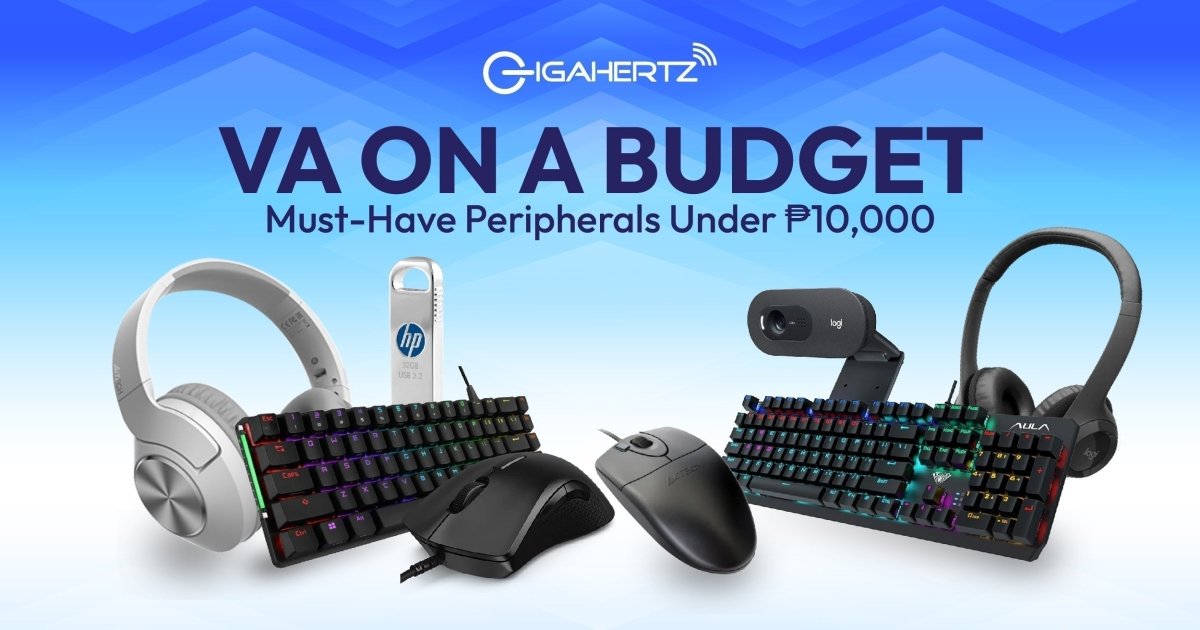
The market is booming with more job opportunities than ever; one standout role is the virtual assistant (VA). It’s a high-demand, work-from-home gig you can jump into with the right gear.
The VA industry has become a popular career path for many Filipinos—and for good reason. Who wouldn’t want the flexibility of working from home while earning a stable and competitive income? Virtual Assistance allows you to skip the daily commute, manage your own schedule, and work with clients from around the world. It’s a practical choice for stay-at-home parents, fresh grads, career shifters, or anyone ready to take on professional tasks remotely. With the right mindset and tools, becoming a VA is more accessible than ever.
To become an effective VA, you need to have the right set of equipment. More than your trusty laptop, you’ll need reliable peripherals that boost productivity, comfort, and communication. Don’t worry, your buddies at GigaHertz have prepared your essential VA gear checklist—all budget-friendly and perfect for getting the job done without breaking the bank.
Peripheral Level-Ups
When building your home office setup as a virtual assistant, it’s important to invest in peripherals that support efficiency, comfort, and professionalism. These tools may seem simple, but the right ones can make a big difference in how smoothly you work and communicate. Here are the key peripheral categories every VA should prioritize—especially if you’re working within a budget.
Keyboard & Mouse

As a VA, you’ll be spending hours typing emails, managing spreadsheets, and navigating different platforms, making the keyboard and mouse your constant companions. That’s why having a responsive, reliable pair is essential. You don’t want to deal with lag or disconnections during a client meeting, while editing a document, or handling time-sensitive tasks. Whether you prefer wired for stability or wireless for a cleaner setup, investing in a quality combo will make your workflow smoother and more comfortable.
Logitech MK345 Comfort Wireless Keyboard and Mouse Combo

For a simple yet effective upgrade, the Logitech MK345 Wireless Keyboard and Mouse Combo is a great pick. It offers a full-sized keyboard with a cushioned palm rest and responsive keys, making long hours of typing much easier on your hands. Paired with a contoured wireless mouse for smooth navigation, it helps create a clutter-free, ergonomic workspace. If you’re looking to boost everyday comfort and productivity without overspending, this budget-friendly combo is a smart midyear upgrade for your setup.
Headset with Microphone
 Clear communication is non-negotiable when you're working as a virtual assistant. Whether you're joining video calls, recording voice notes, or handling customer support, your voice needs to come through crisp and clear. That’s why investing in a good headset with a built-in mic is just as important as your hardware—it keeps you sounding professional and ensures you never miss a word.
MSI Immerse GH30 V2 Gaming Headset
 Don’t let the gaming label fool you—the MSI Immerse GH30 V2 Gaming Headset is a hidden gem for virtual assistants. Designed for long hours of wear and crystal-clear communication, it delivers excellent mic clarity and immersive audio, making it perfect for Zoom calls, client briefings, and multitasking with music in the background. Its lightweight and foldable design makes it easy to store or take on the go. The padded earcups provide all-day comfort. Whether you're taking calls or focusing on deep work, this headset gives you high-grade performance at a great price point.
Webcam
 Looking sharp on video calls isn’t just about vanity; it’s about professionalism. As a virtual assistant, your clients want to see that you’re present, attentive, and ready to work. A good webcam helps you create a clear, confident impression, especially when working with international clients, giving presentations, or attending virtual meetings regularly.
The A4Tech PK-925H
 The A4Tech PK-925H is a solid choice for any VA looking for a reliable, budget-friendly webcam. It offers full HD 1080p resolution, ensuring you look clear and sharp during calls. The built-in microphone picks up your voice clearly, while its auto light correction helps keep your video looking great even in less-than-ideal lighting. It’s plug-and-play too. Just connect it, and you’re ready to go. For a smooth, professional video presence, this webcam gets the job done without the hefty price tag.
Flash Drives
 When you're juggling files, reports, and client documents, having a dependable way to store and transfer data is a must. Flash drives may be small, but they’re essential tools for every virtual assistant. Especially when working across multiple devices or backing up important work on the go.
The HP x306w USB 3.2 Flash Drive
 The HP x306w USB 3.2 Flash Drive is a compact powerhouse built for speed and reliability. USB 3.2 technology offers fast file transfers so you can move large documents, presentations, or media files in seconds. Its sleek, durable design makes it easy to carry around or keep plugged into your laptop without getting in the way. Whether you're organizing client data or keeping backup copies of your work, this flash drive is a simple, affordable way to stay efficient and secure.
The Ultimate VA Peripheral Setup Under ₱10,000
 To kickstart your VA career without overspending, we’ve put together a budget-friendly gear combo that covers all the essentials—from communication devices to productivity-boosting gadgets. Below is a sample setup that proves you don’t need to break the bank to work smart and look professional.
|
Item |
Brand/Model |
Est. Price |
|
Keyboard & Mouse |
Logitech MK345 Comfort Wireless Keyboard and Mouse Combo |
₱1,895.00 |
|
Headset |
MSI Immerse GH30 V2 Gaming Headset |
₱1,853.00 |
|
Webcam |
The A4Tech PK-925H |
₱1,235.00 |
|
Flash Drive |
The HP x306w USB 3.2 Flash Drive |
Starting at ₱433.00 |
|
Total |
|
₱5,416.00 |
* 𝘗𝘳𝘪𝘤𝘦 𝘢𝘯𝘥 𝘧𝘳𝘦𝘦𝘣𝘪𝘦𝘴 𝘢𝘳𝘦 𝘴𝘶𝘣𝘫𝘦𝘤𝘵 𝘵𝘰 𝘤𝘩𝘢𝘯𝘨𝘦 𝘸𝘪𝘵𝘩𝘰𝘶𝘵 𝘱𝘳𝘪𝘰𝘳 𝘯𝘰𝘵𝘪𝘤𝘦
Pro Tips: Shopping Smart with GigaHertz
Getting the best value means knowing when and where to shop. Keep an eye out for bundle discounts, payday sales, and in-store promos to stretch your budget further. Don’t hesitate to ask the experts—our staff can help recommend the best gear for your work style, whether you visit a branch or reach out through our website or Facebook page. Shopping smart ensures you get quality gear that fits your needs without overspending.
Wrap-Up: Start Smart, Work Smart
Starting your VA career doesn’t mean you need to shell out big bucks on high-end gear. A huge tech investment isn’t necessary—you just have to be smart with your upgrades. By choosing reliable, budget-friendly peripherals, you can create a setup that helps you work efficiently and professionally from day one.
Shop affordable VA essentials today at GigaHertz or visit your nearest branch to see our recommended picks in person. Whether you're just starting out or looking to upgrade your current setup, we've got the tools to help you work smarter, not harder.